Published on
Have you ever known you wrote something down, and still couldn't find it? Last year's quote, an idea scribbled on a scrap of paper, the link to a great article: it all ended up who knows where.
A second brain is built for exactly this: one place, in order, where the things you want to remember are waiting for you. And today, with artificial intelligence, that place doesn't just store things: it answers, connects and prepares.
Download the handoutPrintable PDF version of this lesson, with exercise and glossary.
Download the handout as PDFGoal
Understand what a second brain is, where it comes from, how it is organised and what changes when you add artificial intelligence to it, so you can really use one.
What you will be able to do
- Explain in your own words what a second brain is and what it is for.
- Recognise the four steps of the CODE method and the four folders of the PARA method.
- Understand how artificial intelligence reads your notes and why it sometimes gets things wrong.
- Tell a useful second brain from a graveyard of notes.
- Pick a first practical use to start from.
Contents
- The problem: I have everything, but I can't find anything
- What a second brain is
- Where the idea comes from
- How it works: the CODE method
- Where things go: the PARA method
- What goes inside a second brain
- Artificial intelligence enters the scene
- What it is for, day by day
- The limits: what can go wrong
- How to start in twenty minutes
- Practical exercise
- Questions that come up in class
- Glossary
- Further reading
1. The problem: I have everything, but I can't find anything
Your brain is brilliant at thinking and terrible at filing.
Think of Marta, who runs a plant shop in Bergamo, in northern Italy. Her suppliers are in her phone contacts, her prices in an Excel sheet, her window display ideas in phone notes, customer photos in WhatsApp and quotes in a folder called “New folder (3)”. When she needs something, she searches five places, and sometimes gives up.
That isn't being disorganised, it's normal. Our head is built to think, not to store. Ask it to do both and it does one well. The rest has to go outside, to a reliable place.
A second brain is the one place where you put what you don't want to forget, and where you get it back when you need it.
2. What a second brain is
A second brain is a personal digital archive made of notes, documents, ideas, links and reminders, organised so you can find and reuse what's inside.
The easiest comparison is a restaurant kitchen. The cook doesn't remember where each ingredient is: there is a pantry with labelled shelves. That way, while cooking, they think about the dish, not about the coarse salt. The second brain is your head's pantry.
2.1 What it is not
- It is not one specific app. You can build it with Word, a folder on your computer, Obsidian or Google Drive.
- It is not a diary. A diary is written and reread now and then. A second brain is consulted and used.
- It is not an endless collection. Saving everything is pointless: save what will be useful.
Marta keeps one file per supplier: prices, delivery times, what went wrong last time. In March, when she has to order water lilies, she opens the file and in two minutes knows that supplier A is punctual but pricey, and supplier B is cheap but slow to ship.
3. Where the idea comes from
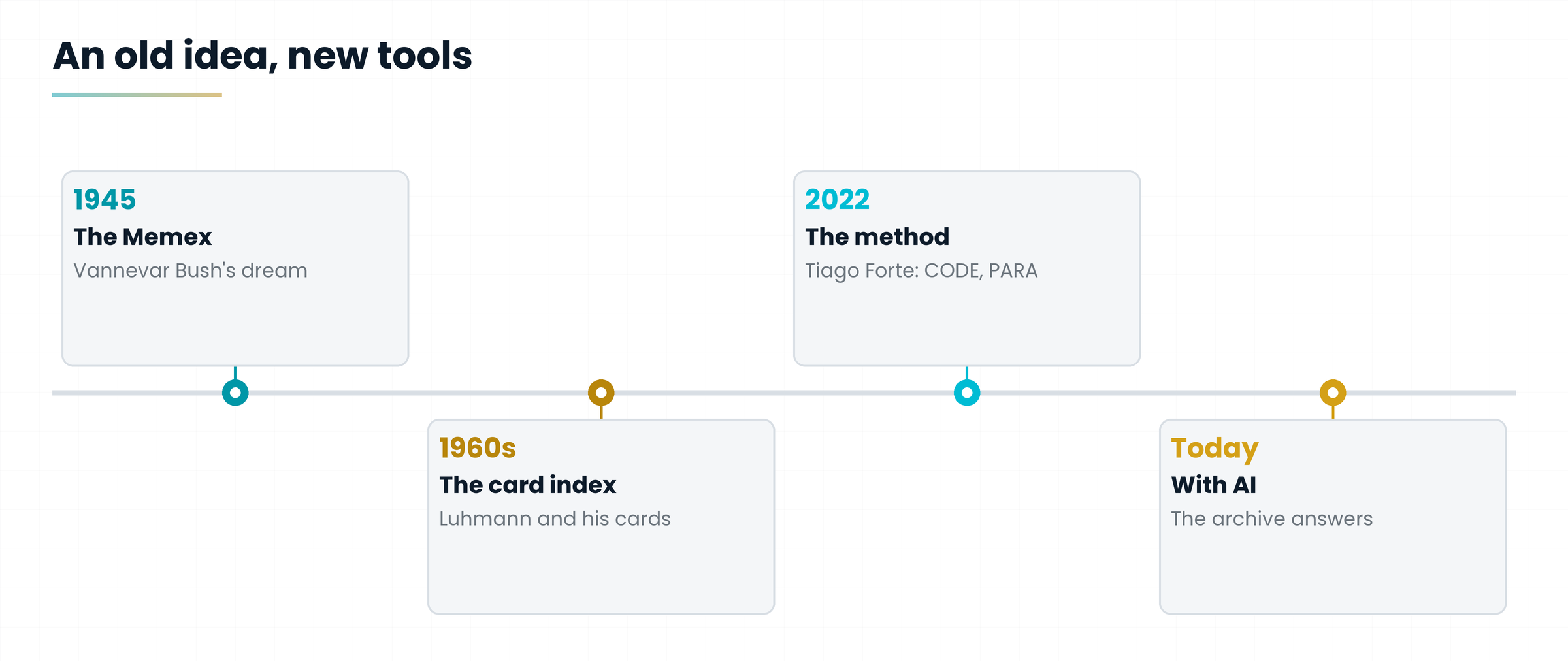
The idea is older than computers. In 1945 the American scientist Vannevar Bush imagined the Memex, a mechanical desk where each person would keep books, letters and notes, linking them together. It was a dream, but it already looked a lot like what we use today.
Then there is the German sociologist Niklas Luhmann, who for decades wrote down his ideas on paper cards, linking them with numbers. His card index (the Zettelkasten, “box of slips”) held tens of thousands of them and is considered the ancestor of many of today's methods.
The name “second brain” was popularised by Tiago Forte, an American trainer, with his 2022 book Building a Second Brain. Forte didn't invent the personal archive: he turned it into a simple method anyone can follow. Let's see it.
4. How it works: the CODE method
Forte's method is remembered through four letters, CODE. They are four actions, always done in the same order, like the steps of a recipe.
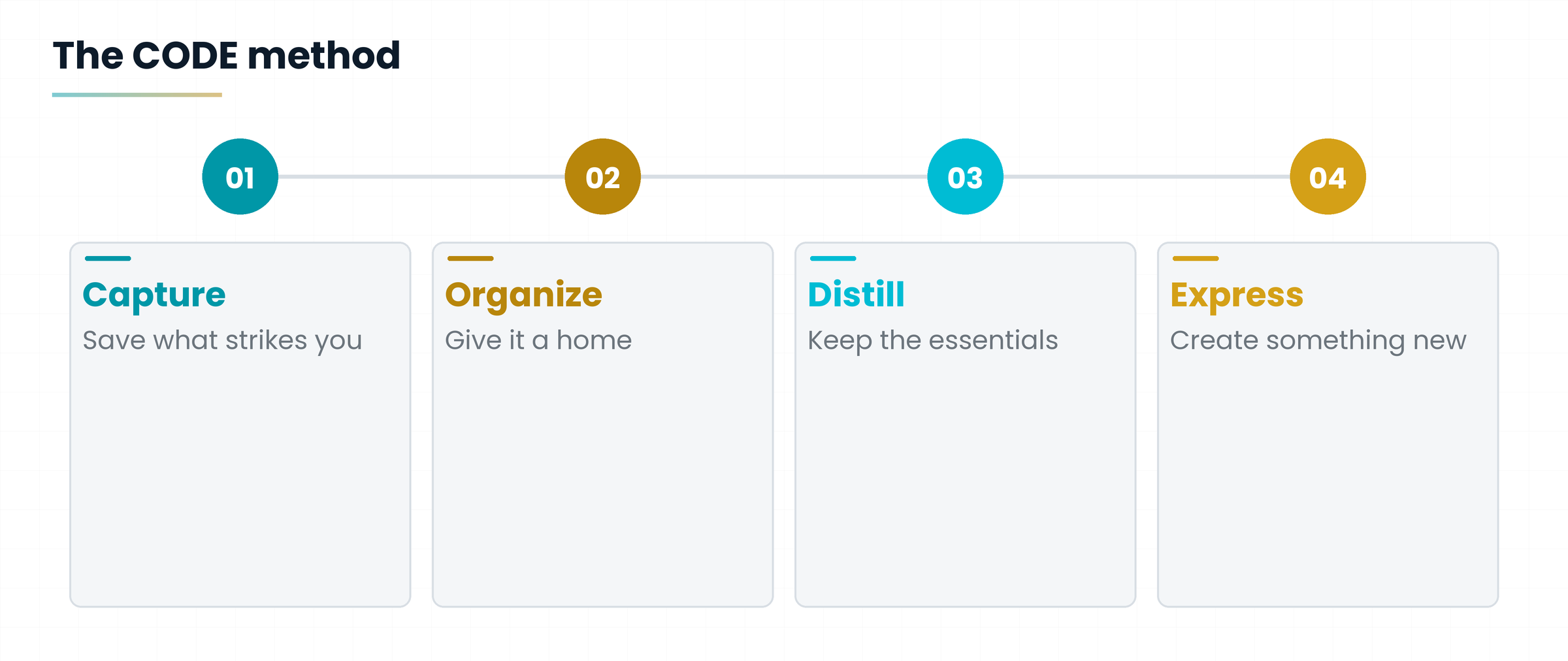
| Step | What you do | Example for Marta |
|---|---|---|
| Capture | Save what catches your eye, without overthinking | Photographs a price tag seen at a trade fair |
| Organize | Give each thing a home, based on how useful it is to you | The tag goes into the “Spring window display” project folder |
| Distill | Reduce it to the essentials: highlight, summarise in a few lines | Writes: “price 20% below mine, free shipping over 100 euros” |
| Express | Use what you collected to create something | Prepares a new offer and a post for customers |
A second brain isn't for hoarding: it's for producing. If you never create anything with what you save, you just have a warehouse.
5. Where things go: the PARA method
To know where each thing goes, Forte proposes PARA: four folders that are enough for almost a whole life. The trick is to sort by usefulness, not by topic: what counts is what you need it for now, not what it is about.
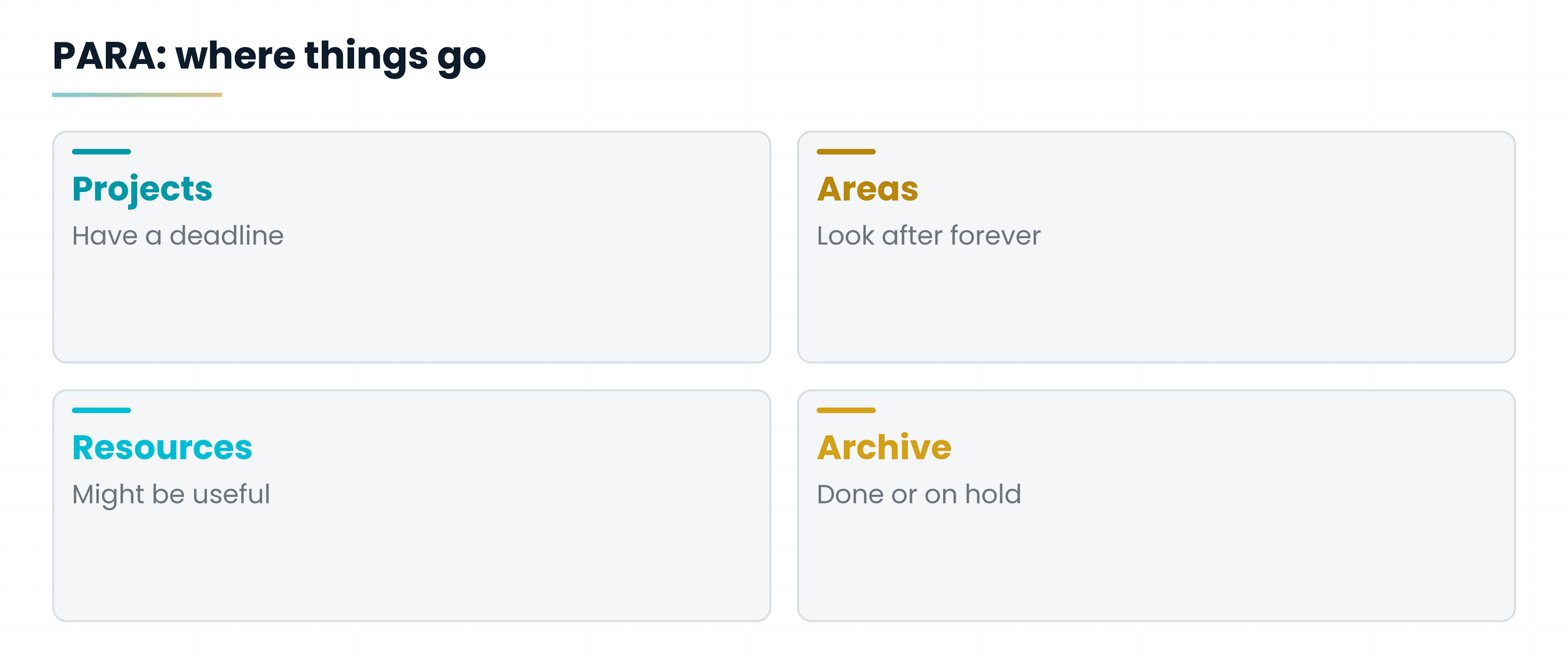
| Folder | What it holds | Question to ask |
|---|---|---|
| Projects | Work with a deadline and an outcome | Do I have a date to finish it? |
| Areas | Responsibilities that last over time (health, clients, home) | Do I have to look after it forever? |
| Resources | Topics you're interested in, reference material | Might I need it one day? |
| Archive | Everything that is finished or on hold | Don't I need it right now? |
The quote for the Rossi family's garden pond sits in Projects while the job lasts. Supplier files sit in Areas (a shop never ends). An article on hardy water lilies goes in Resources. When the job is done, the quote moves to Archive.
See how handy it is? Things move from one folder to another as life changes. Nothing is thrown away, but what you don't need leaves your desk.
6. What goes inside a second brain
Inside goes whatever you need to work and live. Nothing exotic: ordinary files are enough.
- Notes: ideas, summaries of books or courses, meeting minutes.
- Documents: quotes, contracts, data sheets, PDFs.
- Profiles: one page per client, supplier, project or topic.
- Procedures: “how I do it when...”, written once and reused forever.
- Inspiration: links, images, quotes that struck you.
To let artificial intelligence read your files well, plain text is best: `.txt` files, `.md` files (Markdown, simple text with a few symbols for headings) and Word or PDF documents with real text. Photos of handwritten pages are harder to read.
7. Artificial intelligence enters the scene
Until a few years ago a second brain was a passive archive: you put things in, you searched, you connected. Today you can pair it with an artificial intelligence (AI) that reads your notes and answers using them.
Imagine a lightning-fast librarian who has read your whole folder. You ask: “What did I decide with supplier B?” They don't make things up: they go to the shelf, take the right pages, read them out and tell you which page the answer comes from.
7.1 How it reads your files
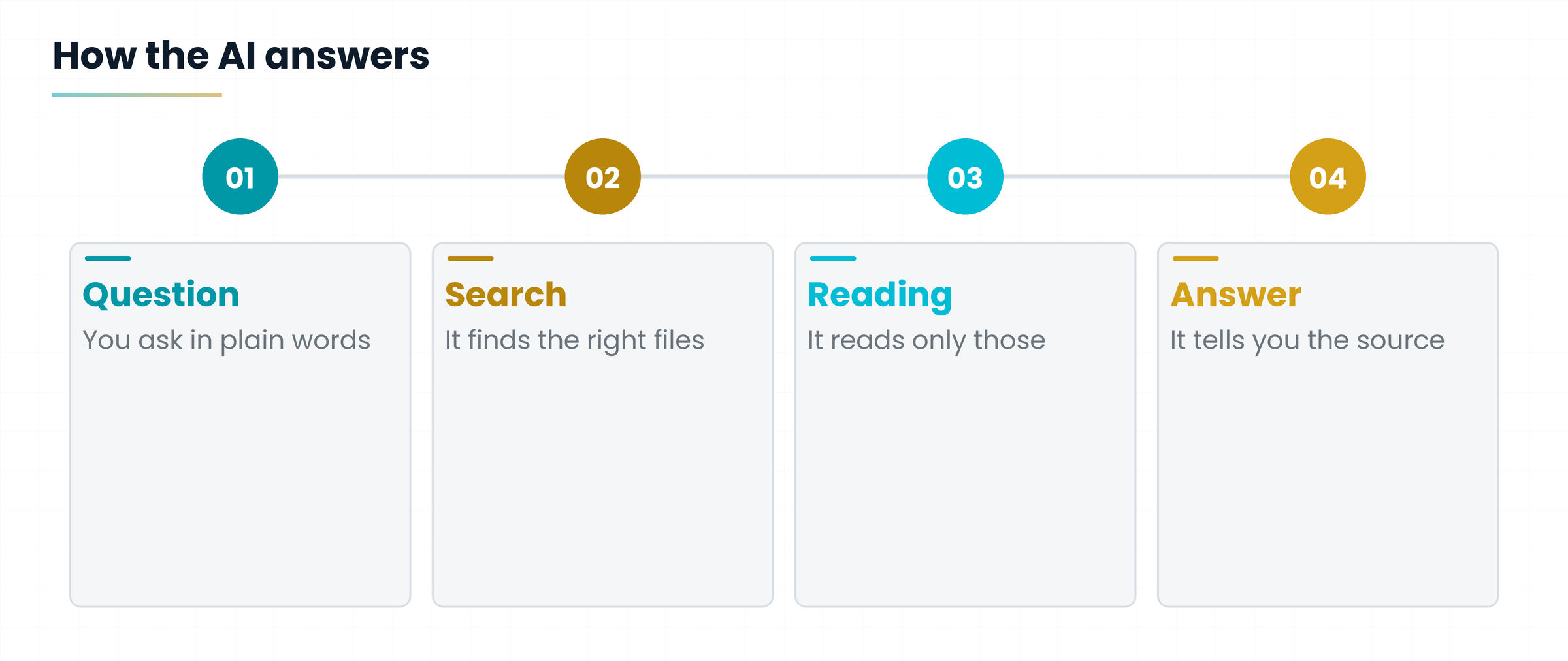
Chatbots don't hold your whole folder in their head: it would be far too big. They work in two ways. The first is simple: attach the files to the conversation, and the AI reads them on the spot. The second is called RAG (Retrieval Augmented Generation): first the AI searches your files for the pieces related to your question, then it reads them and answers.
In practice: search finds the pages, reading turns them into an answer. That's why the clearer and better titled your files are, the better the answer.
7.2 What changes in practice
| Without AI | With AI |
|---|---|
| You search for the right word and hope | You ask a question in plain language |
| You reread ten notes to make a summary | You ask for the summary and check the sources |
| Linking two ideas takes memory | AI suggests links you hadn't seen |
| Writing a document starts from zero | You start from a draft built on your notes |
8. What it is for, day by day
Here are four real uses you can start with tomorrow.
- Answering a client. Ask: “What did we promise them in June?” and the AI finds it in your minutes.
- Preparing a lesson or an article. Put scattered notes together and ask for an outline based on them.
- Summarising a meeting. Paste your notes and get decisions and tasks for each person.
- Finding an idea. “What was that thing about packaging I wrote in spring?”
Luca is a barista in Bologna who studies in the evening for a sommelier course. He puts his notes in a folder, one per lesson. Before the exam he asks the AI: “Ask me ten questions on Piedmont wines using only my notes.” He quizzes himself while making coffees.
9. The limits: what can go wrong
A second brain with AI is powerful, but it is not a magic wand. There are four things to know, and it's better to know them first.
1. AI can be wrong. Even when reading your files, it sometimes misunderstands or adds invented details. Always ask which file the answer comes from and check the important things.
2. If your files are a mess, so is the answer. Garbage in, garbage out. A few clear files beat a thousand confusing ones.
3. Confidentiality. When you upload a file to an online service, it leaves your computer. Don't put in passwords, bank details or sensitive data about clients and colleagues, unless you are authorised and have checked how the service treats them.
4. Perfectionism. Whoever spends three weeks choosing the perfect app never writes the first note. A flawed folder you actually use is better.
I want to be very clear on one point: there is no perfect tool. There is the tool you actually use. It will change over the years, and that's fine: if your files are simple, you take them with you.
10. How to start in twenty minutes
You don't need to buy anything to begin. You need a folder and twenty minutes of goodwill.
- Create a folder called Second Brain on your computer.
- Inside it, create the four PARA folders: Projects, Areas, Resources, Archive.
- Choose one real project you have right now and put its files in.
- Write a half-page file: who you are, what you do, what you're working on now.
- Then move on to the second article: there I explain how to connect AI and which tools are free and which are not.
A second brain is one place, in order, that lets you find, connect and use what you know. AI turns it into a collaborator that reads it for you.
Practical exercise
Twenty minutes, pen and paper or a text file. No software needed.
- List the places where you keep your information today (phone, email, notebooks, folders, photos).
- Pick a project you're working on and write in one line the result you want and by when.
- Answer the PARA questions: does that project go in Projects or Areas? Why?
- Find five things you need for that project and write where they are right now.
- Imagine asking an assistant: “What do I already know about this project?” What would it answer reading only what you have written?
Does the project have a deadline and an outcome?
Do you know where the files you need are?
Did you choose a single starting point, not five?
Questions that come up in class
Do I need a special app, like Notion or Obsidian?
No. A second brain can be built with plain folders and files. Apps help link notes and search, but they aren't required: the method matters, not the program.
Is it only for students and writers?
No. It's for anyone with information to retrieve: a craftsperson with quotes, a shopkeeper with suppliers, a teacher with lessons, a retiree with family recipes.
Does the AI really read all my files?
It depends on the tool. Some read only what you attach, others connect to a folder or to a service like Google Drive. In the second article we go through it case by case, including what needs a subscription.
Is my data safe?
It depends where you put it. In a folder only on your computer it stays yours. If you upload it to an online service, that service's rules apply: read them and don't upload sensitive data if you're unsure.
How much time does it take to maintain?
Little, if you do it in small steps: five minutes a day to capture and a quarter of an hour a week to tidy up. If it becomes a full-time job, it has become too complicated.
Does a second brain replace memory?
No, it supports it. You keep doing the thinking. The second brain only takes away the burden of remembering where you put things.
Glossary
| Term | What it means |
|---|---|
| Chatbot | An artificial intelligence program you converse with in writing, such as ChatGPT, Claude or Gemini. |
| CODE | Tiago Forte's four-step method: Capture, Organize, Distill, Express. |
| Hallucination | An answer that sounds right but contains invented information. |
| Markdown | A simple way of writing text with a few symbols for headings and lists, in files ending in .md. |
| PARA | Four folders to sort everything: Projects, Areas, Resources, Archive. |
| RAG | A technique in which the AI first searches your documents for relevant pieces and then answers using them. |
| Second brain | A personal, organised archive of notes, files and ideas from which you can find and reuse what you know. |
| Zettelkasten | A card index of interlinked notes, made famous by the sociologist Niklas Luhmann. |
Further reading
- Tiago Forte, Building a Second Brain, 2022 — the CODE and PARA methods
- Vannevar Bush, As We May Think, The Atlantic, 1945 — the Memex idea
- Official documentation of Claude, ChatGPT, Gemini and NotebookLM — projects, files and connectors, consulted in October 2026
- Gianluca Bonomo, Niente paura, è solo IA — reference book (Italian)
Content verified in October 2026. AI tools change quickly: before subscribing to anything, always check the current terms on the provider's website. Examples are set in Italy; names and places are fictional.
Download the handoutPrintable PDF version of this lesson, with exercise and glossary.
Download the handout as PDF